Audience and interaction
Account, channel, content, and payment details in screenshots are fictional examples. Enter your own information when using the product.
Comments#
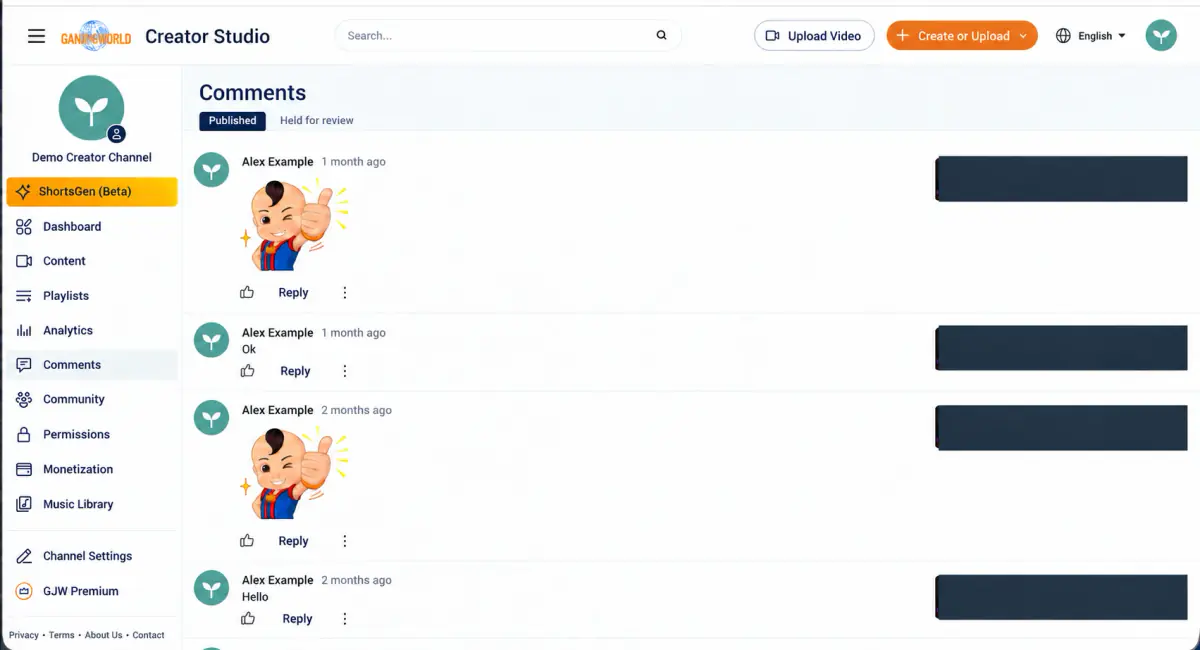
Two tabs: Published and Held for review. Reply directly here. To review comments before publication, enable “Hold all comments” for the individual video. “Disable all comments” in Channel settings → Advanced settings turns comments off; it does not hold them for review.
Community#
Live redirect
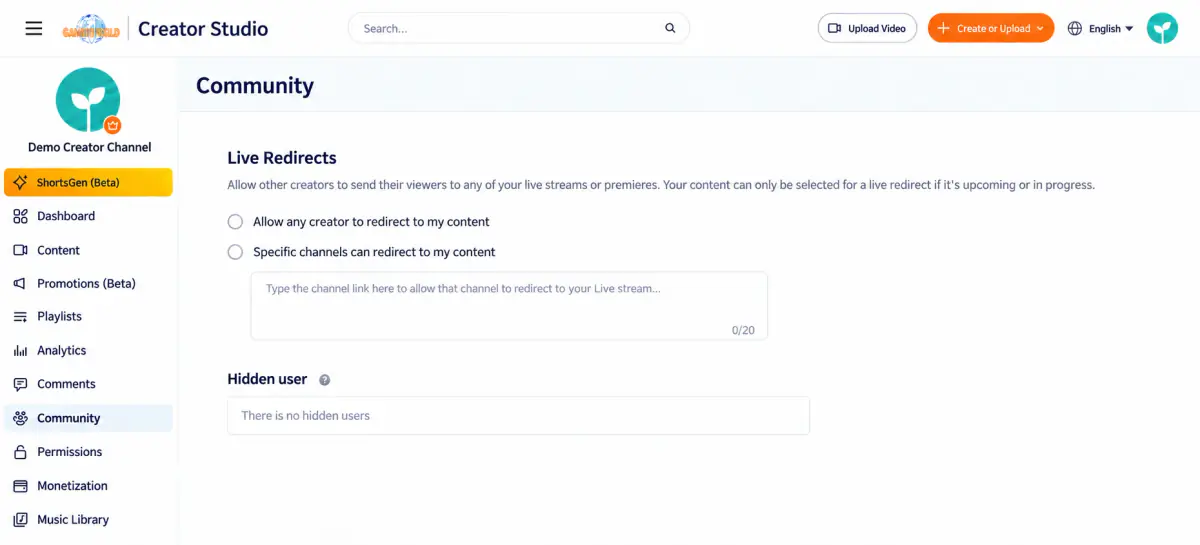
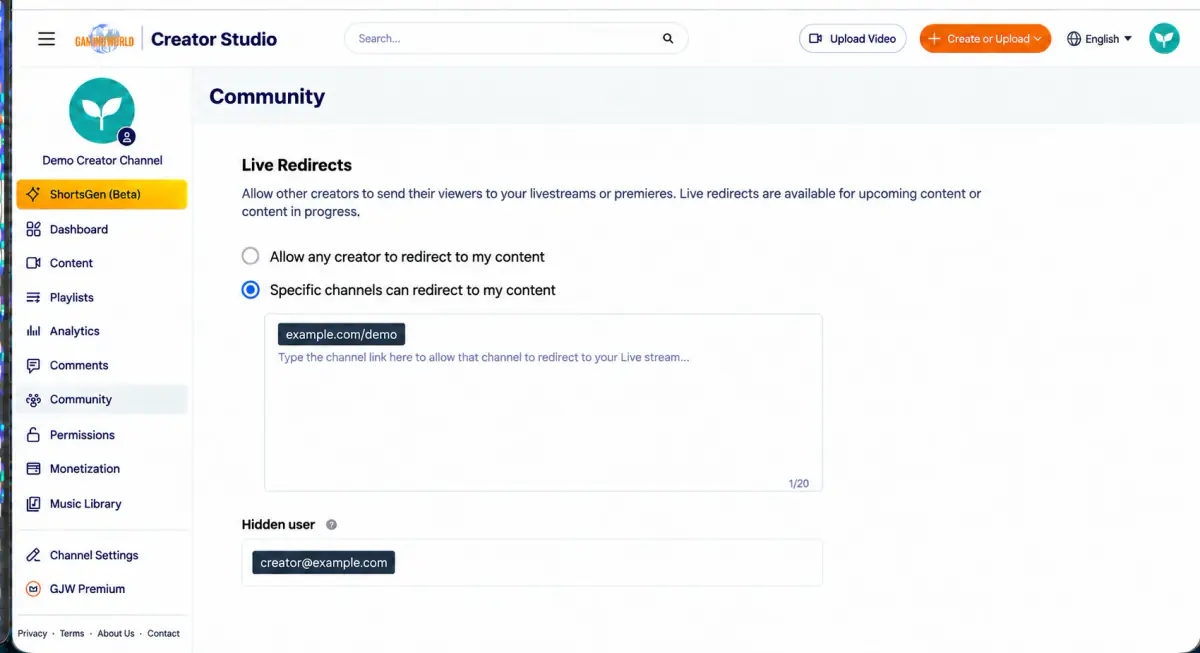
The interface lets other creators redirect viewers to your upcoming or ongoing livestreams or premieres. Choose one of these options:
- Allow any creator to redirect to my content
- Specific channels can redirect to my content—paste channel links, up to 20
Hidden users
Add users here to hide their comments on your channel.
Audio library#
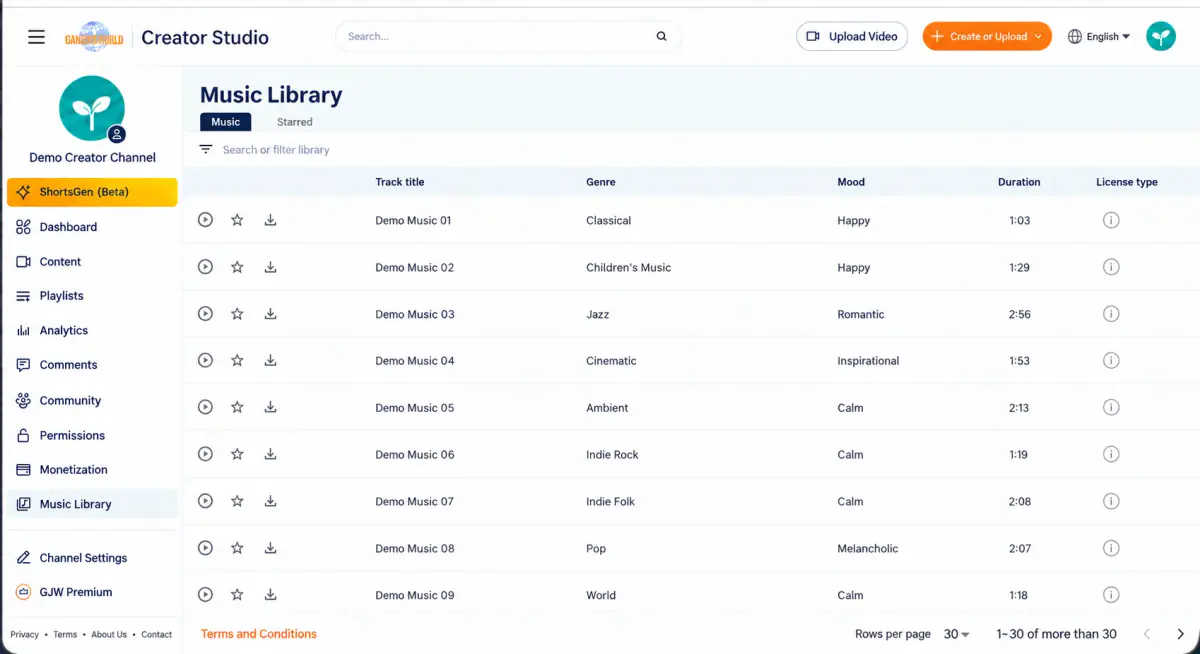
Two tabs: Music and Favorites. Each track lists its title, genre, mood, duration, and license type. Check that the license permits your intended use before using a track.