
How to Edit a CINEMATIC Bike Ride Video Shot on iPhone
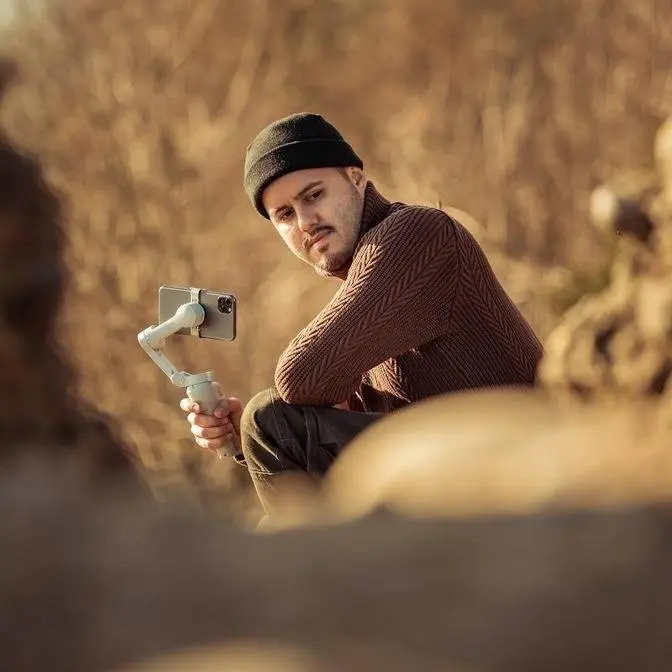
A step-by-step look at how I edited my e-bike video using Final Cut Pro. From digital zooms to LUTs and sound layering, this shows the full workflow.
🎬 Artlist now live with Kling 01 ► https://bit.ly/2M4cN6a
Join the Ultimate Smartphone Filmmaking Course 📱🚀
👉🏻 https://www.smartphonefilmmaking.com
GEAR USED IN THIS VIDEO:
My Premium Mobile LUTS (Official Store) ► https://benettgraezer.com/product/premium-mobile-luts/
My MotionVFX Collection (Official Store) ►
mFlare 2 (Official Store) ►
Truly Handheld Plugin (Official Store) ► https://fcbplugins.com/b/trulyhandheld
Mangosteen FT03 E-Bike (Save 100 with my link and code Benett):
► https://www.mangosteenscooter.com/products/student-ebike-ft03?variant=46074898481290
► https://www.mangosteenscooter.com/discount/Benett
MY RECOMMENDED MOBILE GEAR:
► https://geni.us/gear-recommendation
LET'S CONNECT AND CHAT!
► Facebook: https://www.facebook.com/benettgraezer
► Instagram: http://www.instagram.com/benettgraezer
► Website: http://www.smartphonefilmmaking.com
ALL BUSINESS INQUIRIES!
► [email protected]
DISCLAIMER
Some links are affiliate links, where I earn a small commission if you click on the link and purchase an item. You are not obligated to do so, but it does help support this YouTube channel and allow me to continue making videos for you. I appreciate your support!
TIMESTAMPS:
00:00 - Intro
00:28 - Storyline
04:24 - Digital Zoom
05:30 - Earthquake
06:30 - Handheld Camera Movement
07:10 - Speed Up
07:33 - Lens Flare
08:22 - Artlist
10:05 - SFX
11:44 - Color Grading
14:39 - LUT
15:11 - Magnetic Mask
16:47 - Transition
16:59 - Outro
#FinalCutPro
#iPhone17ProMax
#MobileFilmmaking
#FCPplugins
#VideoEditingTips