
how to design GJW channel cover and profile picture
908 Video Views·Sep 14, 2022
Hello everyone! In this video, I want to show you guys how to make a banner for your Ganjin World
channel as well as your own avatar. So the website I recommend using is called Canva. There's a lot
of free templates available and also it's fairly easy to learn. So in this video, I'm going to
walk you guys through all the steps that you need to know in order to create your own design.
So first, let's go to canva.com and then make sure that you're logged in. And then down here,
we can customize the size of the banner that we want to create. For width, I'm going to do 1920
and height will be 320. Then we can hit create new design and then see now we have a blank banner
that's roughly the size of our banner on Ganjin World. And then now we don't have any design,
but do not worry. Let's go to the home page and then at the search bar, let's just type in
YouTube channel banner. And here we can see there's a lot of templates that we can use.
On the left side, we could also see there are different categories and styles. So if you want
to use simple styles, you can click on simple or modern or creative. You can just basically
choose whichever one that you like the most. So for demonstration purposes, I'm just going to
choose this one. So what we're going to do is that we're going to copy everything over. So let's just
select everything and then control C, go to our untitled design, control B. What I'm going to do
is that I'm going to move some things around, put in the middle so that it fits with my design.
And obviously, you're going to change things around because you want to include your own
picture instead of someone else's. And in this case, what I'm going to do is that on the left
side bar, there's an upload button so you can upload your local files. So I'm going to upload
this picture and it's actually already uploaded. So what I'm going to do is I'm going to delete
the one that's in the template. I'm going to drag this into my design and see now I can include my
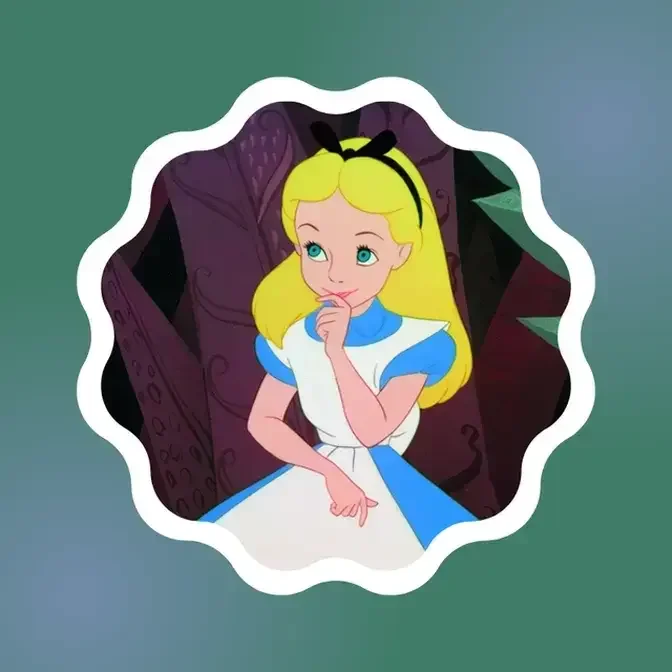
own photo into my design. And then also I'm going to change the title to Alice's Wonderland.
And I'll also make the font bigger. This is really hard to see.
You can also change the font from here. Maybe that's easier.
All right. And we can also change the background color because now it's just
white. Let me just change it to something else. Let's see. Let's do green. Green actually looks
pretty nice. All right. Now I'm satisfied with my design. What I'm going to do is I'm going to
hit the share button, click on it, and then I'm just going to hit download and then file type.
Let's just do PNG as suggested and let's download it. And so now it's downloaded to my own computer.
Let's go to Ganjin World. What I'm going to do is that let's go to the home page
and then Creator Studio. Let's hit the customize channel button. Then let's hit on change the cover
and then let's go to download. And then now we are able to change our cover banner by just
using our design from Canva. Now let's do something very similar, which is changing our avatar.
So let's go back to our Canva website. What we can do is that we can create a design
and then custom size for the width. I'm going to do 800. Height will be 800 as well.
I'm going to create my own design and it's blank, but do not worry. Let's go back to the
home page and let's just type in YouTube profile picture and then let's just choose
a design that we like. I was just this one. I think it looks pretty nice and same thing.
Let's just choose. Let's just select everything that we have on this design and go back to our
own design and then we can change things over. For example, I don't like this photo because
it's not mine. I'm just going to delete it and then go to my own upload tab and then we can drag
the photo that we want to use. For the background, we could also change colors and then let's change it to
I think green is a pretty nice color and then once you're satisfied with your design,
you can just hit the share button and then you can download it and then same thing. It'll be
downloaded to your own computer and then you can go to your Ganjin World page and then hit edit.
Then go to your download and then. Alright, I see it now. See, now we have this design
on Ganjin World and then just don't forget to hit the save button so it will save everything
and once everything is saved, we can go to the home page to see if it is indeed changed.
Alright, now we can see that our channel banner as well as our profile picture have been changed.
Sometimes they might not show up immediately after you've made the changes and that's totally fine.
Just try logging out and logging back in which is exactly what I just did and then you will be
able to see the changes reflected on your channel. That's all for today's video. Let me know if you
have more questions or if there are any topics that you want me to cover. Thank you for watching.
I'll see you next time.