
Sharp 3d CAD Basic Tutorials on Ipad Pro 2020
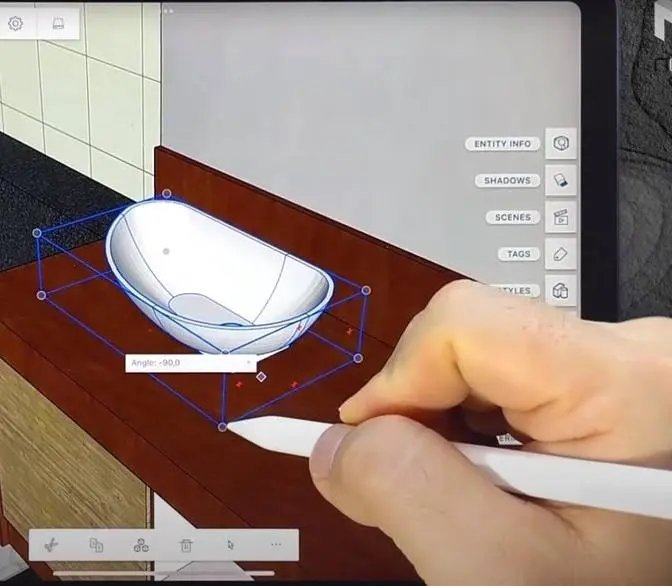
Let's learn the basics.
You can navigate around with your fingers.
To model in Shapr3D, you need an Apple Pencil.
First, sketch a line, an arc, and a circle.
You can create a body from any closed sketch.
Select the sketch filling and pull up the arrow.
To set precise height, tap the dimension.
To select a single face, tap it once.
To select the full body, double tap it.
Now you can move the body with the arrows.
To sketch on a face, it's easier if you zoom in first.
Double tap the side face with your finger.
Draw one of the joints.
Let's cut out some material.
Select the sketch fillings and push them through.
You can push or pull any face of a body.
To blend an edge, select it first.
You can drag it both ways.