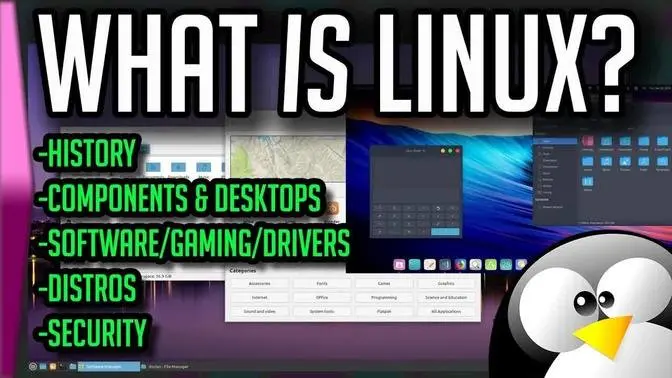
Here is an overview of Linux desktops, distributions, software and security, as well as explaining what Linux is, how it works, and how it was created. I decided to finally make this video to help gain some knowledge for people who are interested in possibly trying it out. For such a short video, I think this one took the longest to create! So if you're wondering, what is linux? Hopefully this answers your questions. Video links: Linux Directories Explained : https://ganjing.com/video/1fi6e27mv5h4hyc7w6RHarT3c1sc1c How to install software in Linux : https://ganjing.com/video/1fi6dvnvjni72VS8inu2clrbG11e1c How to Dualboot/Multiboot : https://ganjing.com/video/1fi6du2jbv0gP3e4xO3AhSd9p1381c

Ever get confused where to find things in Linux and where programs get installed? I'll explain what all the folders are for, and what's in them! (CLICK \/ SHOW MORE! \/ ) If you're interested in what Linux is in general, along with how you use it and its components, check out my video "What is Linux?" : https://www.ganjing.com/video/1fi6e3dlirb4vPSY4OoEFJdCZ1611c

After a long talk with someone about installation issues, I realized they were downloading software from websites to install things. I decided that I need to make a newcomers guide to using package managers! I'll cover the proper way to install packages using GUI as well as terminal commands for apt (apt-get) and pacman. So here's how to install software in Linux properly.

In this video I'll go over how to dualboot and also how to multiboot, in order to install as many operating systems as you want! Grub is primarily used here but there are other options such as systemd-boot which I will cover in another video. I also cover an important step in order to dual/multiboot with Windows.
 Technology for HumanityGan Jing World is dedicated to promote kindness, respect, and trust among people. Our non-addictive content prioritizes meaningful information, while upholding freedom of speech and user privacy.
SUBSCRIBESign In