
All-New 2025 OneNote Digital Planner | Personal and Business Planning
#onenote #key2success #businessplanning #personalplanner #digitalplanning
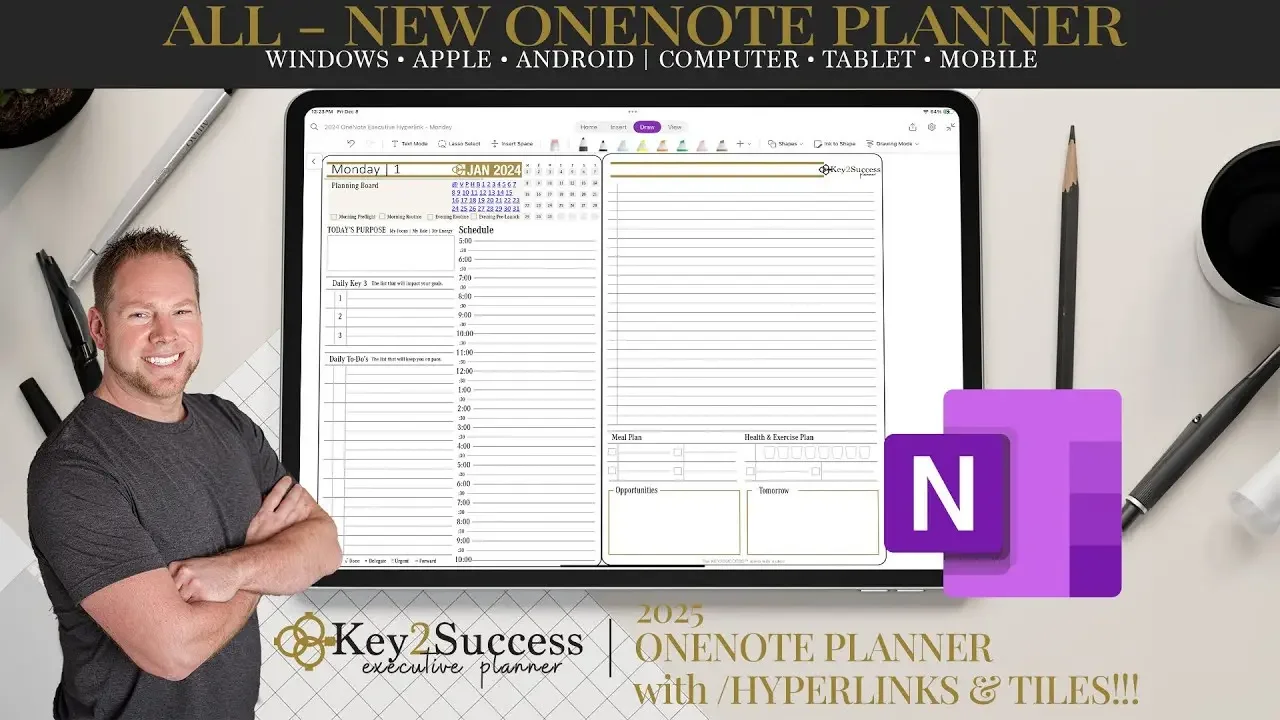
Organize your life in 2025 with the All-New OneNote Digital Planner by Key2Success!
This powerful planner works seamlessly across all your devices - Windows, Apple, and Android. Take notes on your computer, then view and edit them on your tablet or phone!
**What's New in 2025?**
• Borderless Pages:Enjoy a clean, modern look for a more focused planning experience. Expand your daily pages for additional note-taking and tiles.
• Redesigned Goals & Ideal Week: Set and track your goals with ease, and visualize your perfect week for peak productivity.
• Weekly View Tiles: In all editions of the Key2Success OneNote Planner, weekly views are now available. Personalize your planner with a variety of tiles for daily tasks, habit tracking, life balance, and more!
Key2Success offers a huge selection of Tiles to fit your needs, including:
* Daily Time Scheduling Tools
* Habit trackers
* Meal planning
* Brainstorming tools
* Decision tools
* Life balance
* Project management templates
* And much more!
**Ready to take control of your time and achieve your goals?**
Learn more and explore the Key2Success OneNote Digital Planner Shop: https://brandenbodendorfer.com/onenote-digital-planners-shop/
See the key moments in this video:
0:00 Intro to OneNote Digital Planner
1:28 Using a OneNote Digital Planner
2:56 Can I Convert Handwritten Notes to Text
3:50 OneNote Planner Key2Success Editions
5:00 What is the Organizational Operating System
6:55 Personal OneNote Digital Planner
11:23 Borderless Pages in OneNote'
13:20 Professional OneNote Digital Planner
15:45 Business OneNote Digital Planner
17:40 What is Essential Tile Kit
18:49 Executive OneNote Digital Planner
20:46 Does the Planner Sync with Calendar
21:22 How is Planning different than a Calendar
22:49 Is a Digital Planner a subscription?
23:22 How to search handwritten notes
23:40 How to get questions about digital planning answered.
25:25 Can teams use the OneNote Planner